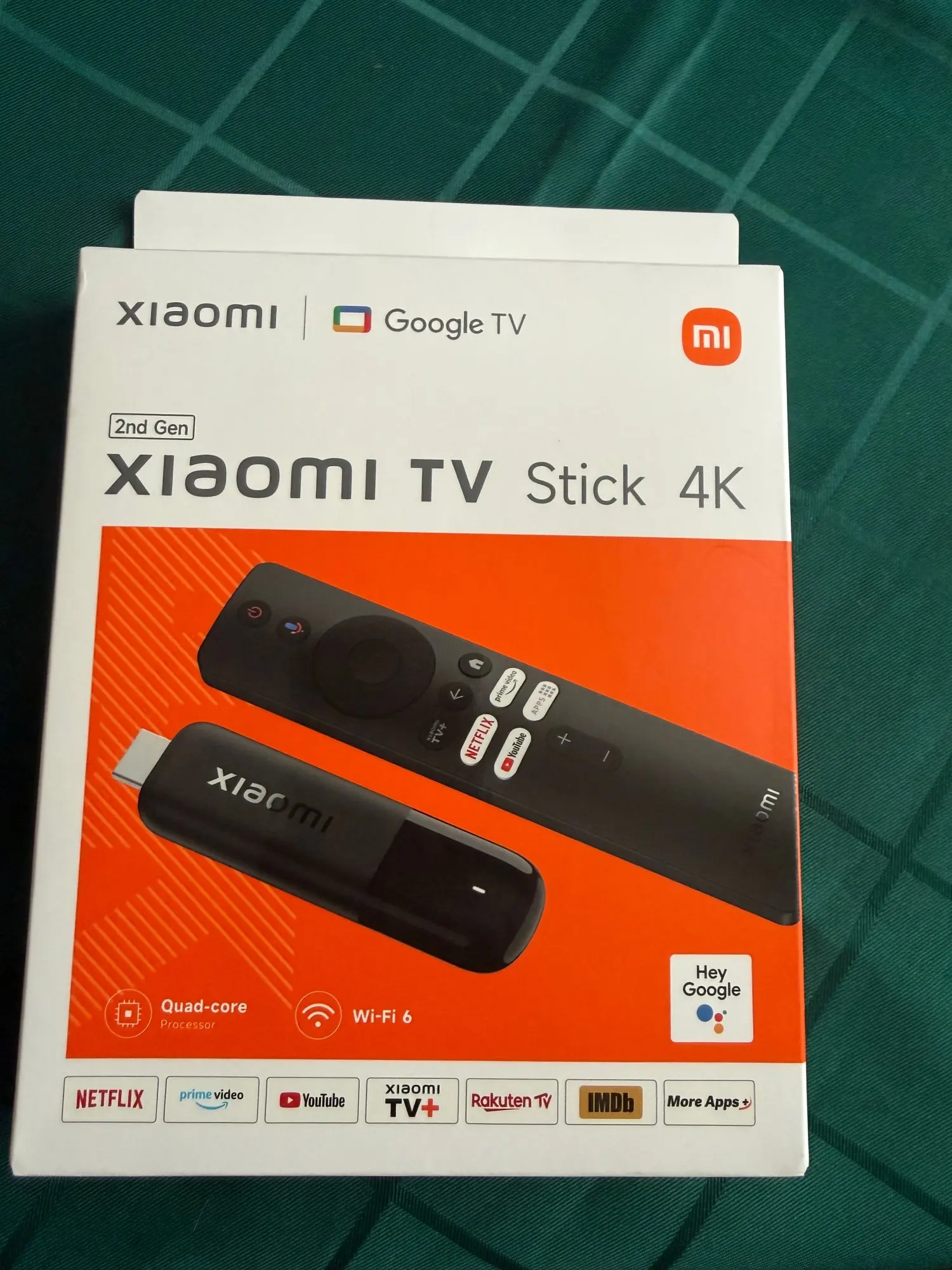
Xiaomi TV Stick 4K (2nd Gen) — Upgrade Any TV to a Fast Smart TV
Still dealing with a slow, outdated TV interface? Apps lag, menus freeze, and streaming takes forever. The Xiaomi TV Stick 4K (2nd Gen) is the easiest upgrade: plug it into HDMI and enjoy a smooth Google TV™ experience with 4K streaming and premium audio/visual support.
Why You’ll Love It
-
True 4K Output — sharper picture, better detail, more immersive streaming.
-
Google TV™ — clean, modern interface that organizes your apps and recommendations.
-
Dolby Vision + Dolby Atmos — cinematic visuals and sound (supported content required).
-
Fast Performance — Quad-core Cortex-A55 + 2GB RAM keeps things responsive.
-
Wi-Fi 6 Ready + Dual Band — smoother streaming on 2.4GHz/5GHz networks (router dependent).
-
Bluetooth 5.2 — connect headphones, speakers, controllers, and more.
-
Streaming Essentials Pre-installed — Netflix, Prime Video, and YouTube ready to go.
Perfect For
- Turning any HDMI TV into a smart TV
- Replacing slow built-in “smart TV” systems without buying a new TV
- Travel, hotels, dorm rooms, rentals, or a second room TV
- Anyone who wants fast, clean streaming with 4K quality
Specs
-
Output Resolution: 4K
-
Operating System: Google TV™
-
CPU: Quad-core Cortex-A55
-
GPU: ARM G310 V2
-
RAM: 2GB
-
Storage: 8GB
-
Wi-Fi: 2.4GHz / 5GHz (Wi-Fi 6 supported on compatible networks)
-
Bluetooth: 5.2
-
Ports: HDMI × 1, Micro USB × 1
-
Color: Black
-
Size: 107.4mm × 30mm × 14mm
-
Weight: 44g
Supported Formats (Decoder)
Video Decoding: AV1, VP9, H.265, H.264, MPEG-2, MPEG-1
Video Formats: MKV, MPG, MPEG, DAT, AVI, MOV, ISO, MP4, RM
Audio Decoding: DTS HD, Dolby Atmos
Audio Formats: MP3, AAC, RM, FLAC
Image Formats: JPG, BMP, GIF, PNG
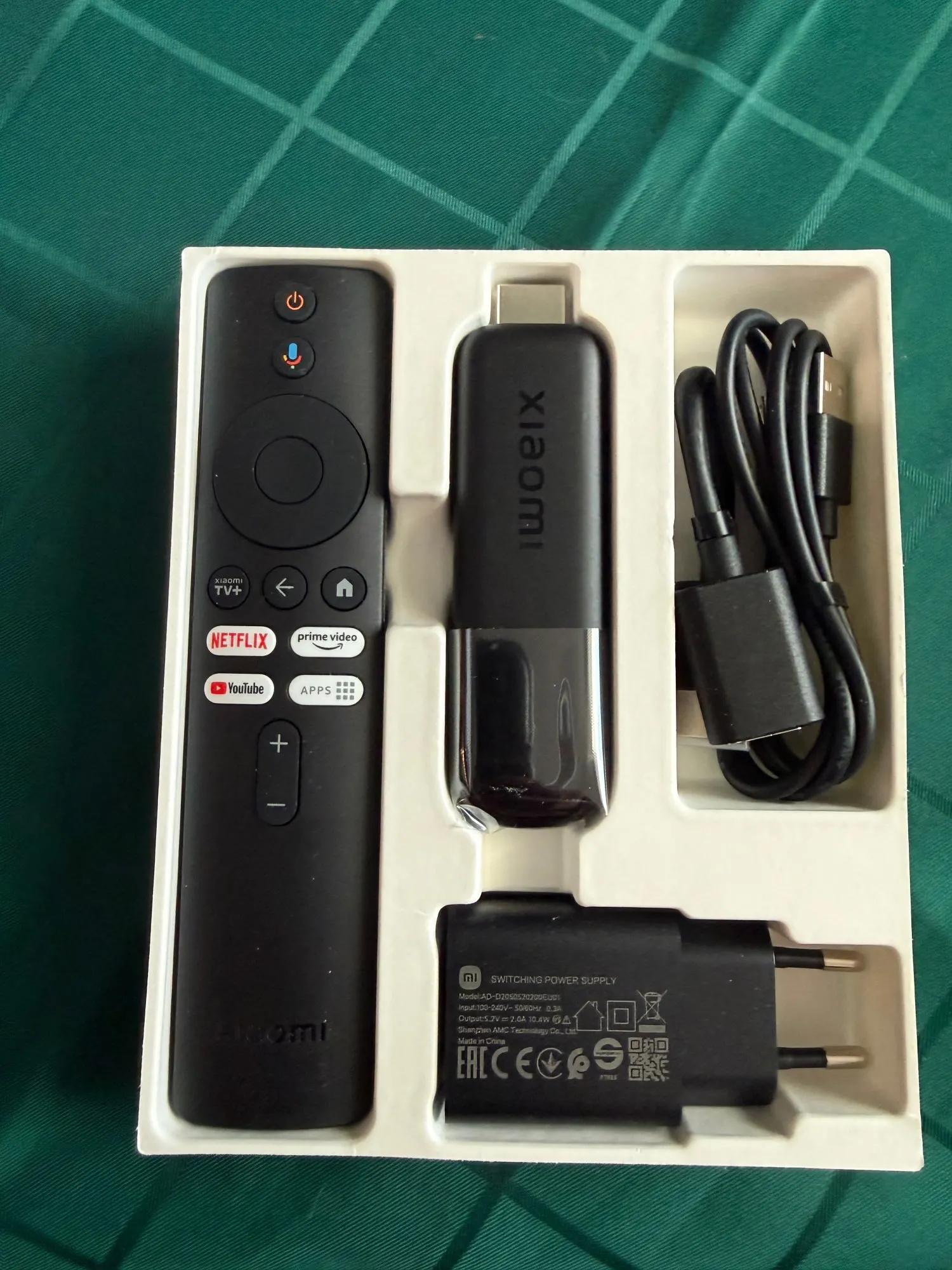
What’s In The Box
- Xiaomi TV Stick 4K (2nd Gen) × 1
- Remote Control × 1
- Power Adapter × 1
- User Manual × 1
- HDMI Extension Cable × 1
- USB Power Cable × 1
Setup in Minutes
- Plug the stick into your TV’s HDMI port (use the extension cable if needed).
- Connect power using the included adapter and USB cable.
- Follow on-screen setup, connect to Wi-Fi, sign in, and start streaming.
Stop fighting a slow TV.
Upgrade your streaming today with Xiaomi TV Stick 4K (2nd Gen) — fast, smooth, and packed with features.
Notes:
• Google Assistant is not available in certain languages and countries; availability depends on region.
• Some apps, content, and features may vary by country/region and are subject to availability.
• Dolby Vision/Atmos require compatible content and supported playback conditions.
• Dimensions/weight may vary slightly due to testing environments and methods.